Table plan in Restotailor: rooms, terrace and live shift
Dining room, terrace or upstairs: multiple plans, fully self-managed and live overview during every shift.
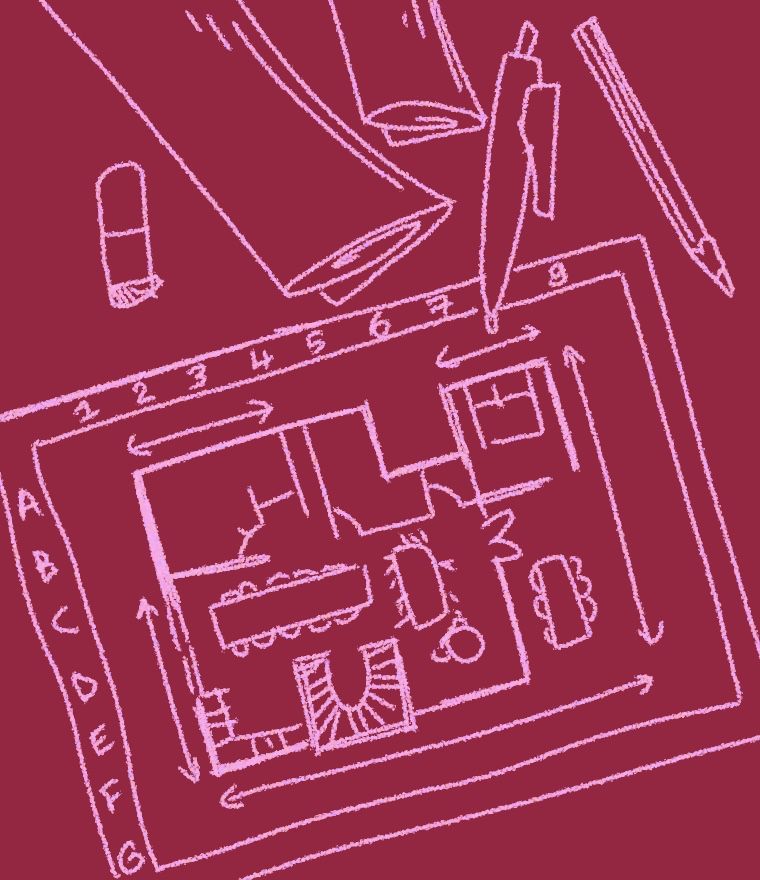
Create separate table plans for your dining room, terrace, upstairs or other areas. You manage each plan yourself.
Adjust your layout day by day. Terrace closed? Turn that area off. Need extra tables? Add them in seconds.
Set the number of guests per table and choose which tables are bookable online. Keep some tables for manual entry only.
Track your shift live in the table plan: who has arrived, who has ordered, who has paid. Stay in control during service.
Frequently asked questions about this feature
Yes. Create separate plans for dining room, terrace, upstairs or other areas. You manage each plan yourself.
Yes. Change tables, capacity and layout whenever you want. Ideal when your terrace is not open every day.
Yes. Choose per table whether it is bookable online or reserved for manual entry or walk-ins only.
You set the maximum number of guests per table. The widget only shows suitable combinations to your guests.
Yes. See who has arrived, who has ordered and who has paid. Keep overview during service.
Yes. You mark a table as not bookable online: it still counts on your plan and you can seat people there yourself, but the widget never offers it. That keeps your regulars’ table, or the one by the door, in your own hands.
Yes. Per floor plan you set a period, for example 1 April to 30 September. Outside that window online booking for that plan switches off automatically, without you having to remember.
Yes. You tick the days that plan is open. Leave everything blank or tick everything and it applies every day. Handy for a room you only use at weekends.