Guests order at the table themselves

A QR on the table, a menu on their own phone and an order that lands straight in your portal. Nothing to install, no commission per order.

You switch ordering at the table on with a single toggle. Restotailor creates an ordering page for your venue and generates a QR code for it that you can download and put on the table right away. You can put the table number in the link too.

The guest scans, picks dishes, sets quantities, adds a note if they want and fills in the table number. There is no app and no account: the menu simply opens in the browser. Paying happens on site, as always.

The order shows up in the portal on the ordering screen, unfinished ones on top, refreshing every fifteen seconds while the screen is open. Your staff tick off what is ready. Prices and availability are checked on the server, so a guest cannot change anything you did not set.

Ordering at the table shares one dish card with takeaway. Per category and per dish you choose whether it belongs at the table, in takeaway or in both. That means you can run ordering at the table with takeaway switched off.
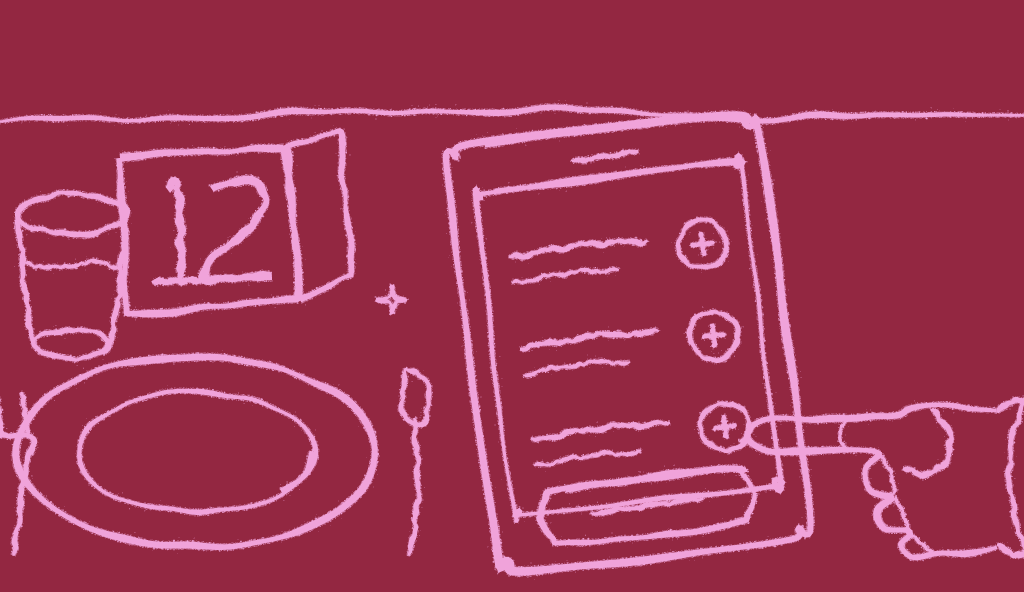
Drawing of a phone with an ordering menu next to a numbered table card, a plate and a glass

Frequently asked questions about this feature

On their own phone. You share a link or put a QR code on the table. Make one QR per table and the table number is already filled in; use a single general code and the guest enters their own table number. Both work, it depends on how your room is laid out.
No. Ordering at the table is not settled online: the guest orders, you serve, and payment happens in the venue as always. The bill at the end of the evening stays yours.
You manage your dishes in one place and mark per dish which channel it is available on: in the venue, for takeaway, or both. So you do not need takeaway switched on to let people order at the table, and a dish that only works inside stays inside.
Yes. You connect your receipt printer and have every new order print automatically, so the kitchen can start without anyone watching a screen. Prefer to check them first? Simply leave automatic printing off.

Try it yourself

This is how guests book with you

Our reservation widget is easy to add to any website.

  • Choose party size, time of day and area in a clear flow
  • Pick a date and available time slot
  • Highlight offers and menus in the widget
  • Enter contact details and confirm the reservation
Start free demo

Live demo widget with real availability and flow